Unreal VPN keeps your connection private and protected.
Browse with confidence on public Wi‑Fi, reduce tracking, and hide your IP address. Unreal VPN is designed to be simple: choose a server (or auto‑select) and connect.
A minimal, fast VPN experience with clear connection status, smart server selection, and privacy-focused design. Premium access is available via Apple subscriptions.
Encrypted connection
Protect your traffic on insecure networks with a secure tunnel.
Choose locations
Select a server manually or use Auto‑Select for low ping.
Clear status
See connection stats and server details at a glance.
App Screens
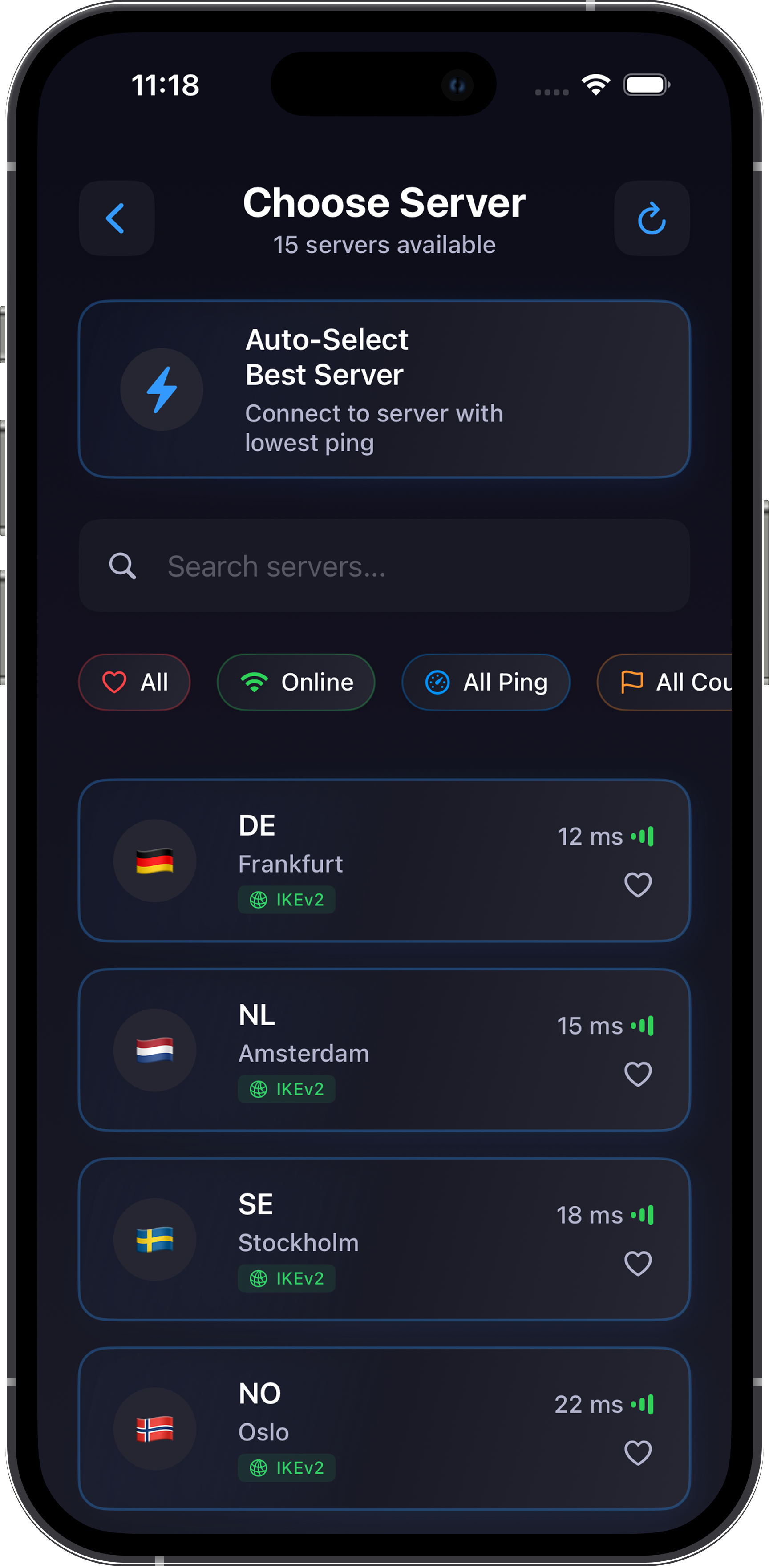 Choose Server • Auto‑Select • Ping
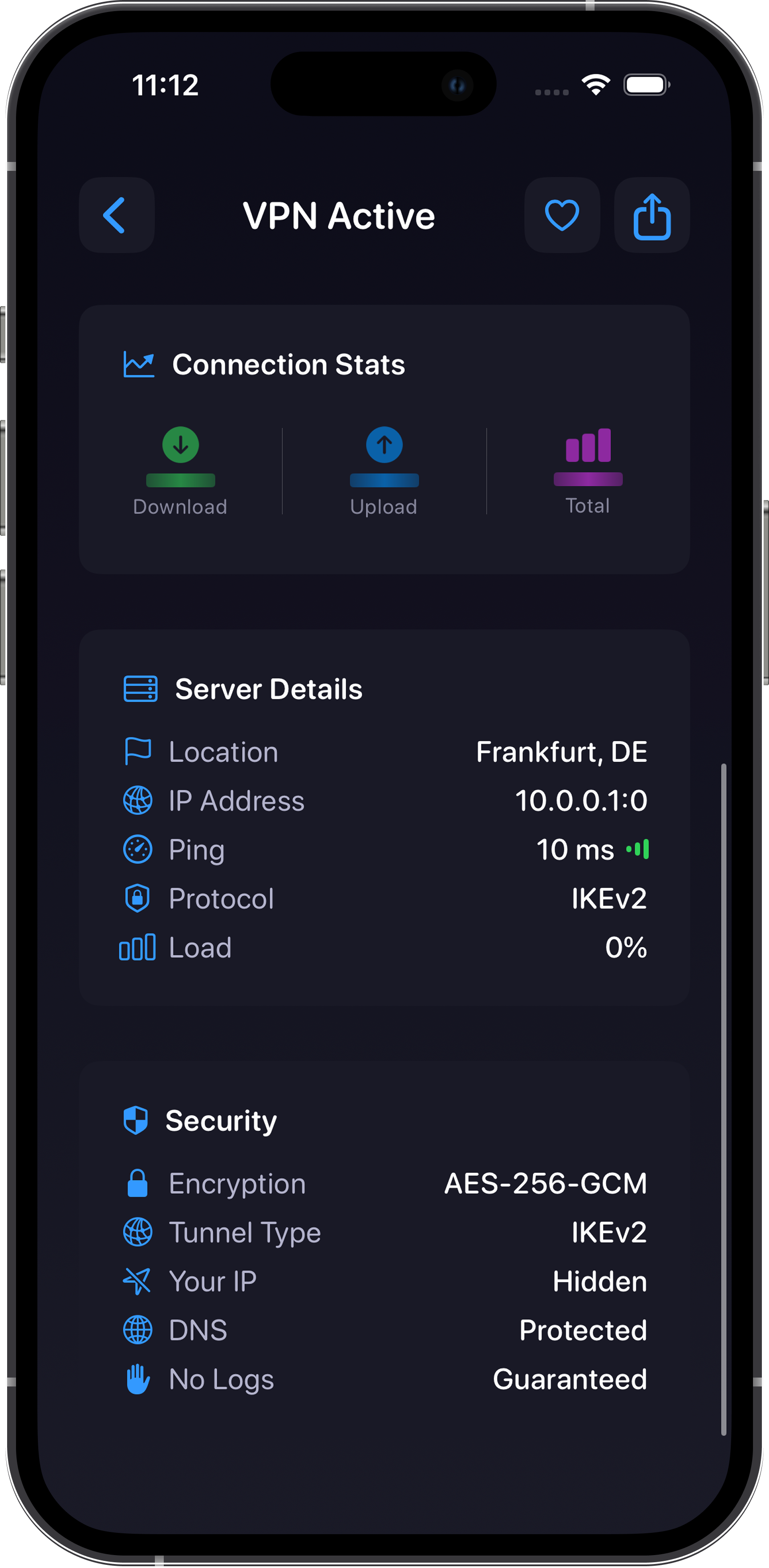 VPN Active • Stats • Security details
Unreal VPN encrypts your internet connection to help protect your data on public networks and reduce exposure to local interception. Your IP address is hidden behind a secure VPN tunnel while connected.
Pick a location manually or use Auto‑Select to connect to a server with a low ping. The server list includes availability indicators and basic connection details so you can choose confidently.
Connection status and technical details are presented clearly (server, protocol, ping, and encryption), so you always know when protection is active and what settings are being used.
If you experience difficulties, have questions, or don’t understand how something works, contact our
support team and we’ll help you out.
Email: support@unreal-vpn.com